

Geometry Library
TrueGrid® has a very extensive built-in geometry library with which you can create a wide variety of surface types. Geometry can be imported from solids modelers and CAD/CAM systems via the IGES format, from polygonal data, and from scattered. The geometry data can then be transferred to TrueGrid® without additional preparation.
You can generate additional geometry using the TrueGrid® library of curves and surfaces. These surfaces are easy to glue together so that TrueGrid® will treat them as a single surface, even if they do not meet perfectly. TrueGrid® will extend surfaces tangentially whenever they are expected to intersect with other surfaces.
TrueGrid® also has an extensive geometry engine. With it you can mix the geometric objects from these different sources, in any way, to form the geometric model you need. For example, a smooth trimmed NURBS surface from a solids modeler can be combined with a non-smooth polygonal surface to form a single composite surface.
A Library of Curves and Surfaces
Adapts to Different Types of GeometryThe TrueGrid® projection method conforms the mesh to the shape of the geometry. This geometry can come from many sources including IGES, STL or polygon data files, as well as other non-standard forms of geometry such as biological data, survey data or digital laser-scanned data. With TrueGrid®'s smart geometry features the geometry does not have to be perfect; gaps and overlaps are automatically cleaned up. Import your own geometry or access TrueGrid®'s vast geometry library. |
Some of the CAD/CAM and solid modelers supported by the TrueGrid® IGES reader include:
| ANSYS
CATIA NX ICEM DDN Pro/Engineer | SolidEdge SolidWorks SurfaceWorks Surfeam CAD/CAM |
Basic Surfaces
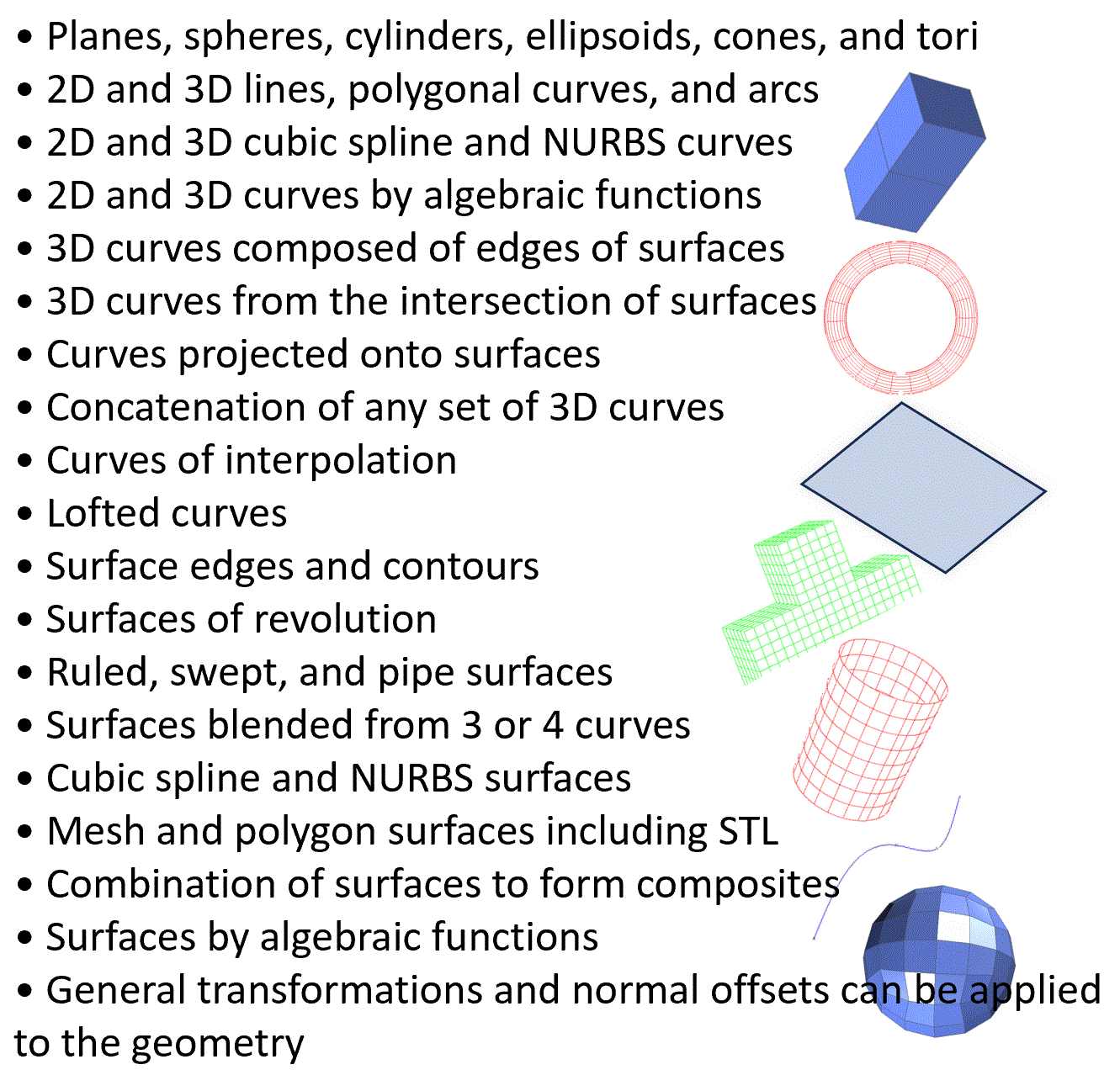
TrueGrid® will generate simple geometric shapes are generated with a minimal number of parameters. In some cases, such as a plane, it will add artificial boundaries are added for visualizing only. In most cases, only a part of one of these surfaces is needed. These surfaces do not need to be trimmed. The projection method automatically intersects surfaces, using only that part of the surface which is needed. These surfaces include a plane, sphere, cylinder, cone, torus, revolved parabola, and ellipsoid.
Polygon Data and Surfaces
Polygon surfaces are typically used in the generation of biological meshes. There are various methods that extract data from MRI or CAT scan data to form polygonal surface data. These surfaces can be modified, split, or composed in TrueGrid® to form the best representation of the biologic object.
The STLSD and the VPSD commands import a set of polygonal surfaces. One application of this is to convert a surface or shell mesh to the VPSD format. Then a new multi-block structured high quality mesh can be built in TrueGrid® based on the outer faces of an existing mesh. STL (Stereo-Lithography) files are treated as surfaces. The boundaries are automatically detected. In addition, any features in the surface will be treated as interior edges so that the mesh can be attached to these features. The user has control over the identification of features. Both ASCII and binary formats are supported.
A face of the mesh can be used as a surface. The face of one part can be projected to the face of another part.
A face of one part can be glued to the face of another part using the block boundary interface command. TrueGrid® can automatically transition hexahedral to quadrilateral meshes across block boundary interfaces using only hexahedral or quadrilateral elements, respectively, when the ratio of elements across the interface is 1:2 or 1:3.
The same block boundary interface command makes it easy to place a normally offset gap between parts. This feature can be used along with the sliding interface command to automatically generate interface elements.
Polygon surfaces are similar to composite surfaces that may not be smooth. TrueGrid®'s projection and smoothing of the mesh works flawlessly on these non-smooth surfaces.
Polynomial Surfaces
There are three types of surfaces in this category: cubic spline, B-Spline and NURBS. Derivatives can be specified at the boundaries of the cubic spline. A B-Spline curve can be automatically fit to a cloud of data points.
TrueGrid® Combines SurfacesBesides cleaning up the geometry, TrueGrid® can also save you time by combining surfaces. Combining surfaces is desirable because then a single face of your mesh can cover many surfaces. Instead of building 100 meshes from 100 surfaces, you can use a single TrueGrid® command to form the union of the 100 surfaces. Then just one more command will project the mesh to this union. |
3D Curves
Besides cleaning up the geometry, TrueGrid® can also save you time by combining surfaces. Combining surfaces is desirable because then a single face of your mesh can cover many surfaces. Instead of building 100 meshes from 100 surfaces, you can use a single TrueGrid® command to form the union of the 100 surfaces. Then just one more command will project the mesh to this union.
Surfaces From 3D Curves
Two 3D curves can be used to create a ruled surface between the two curves. TrueGrid® can perform the interpolation between the two curves in either Cartesian or cylindrical coordinates. Or you can use three or four curves to form the edges of a patch surface. TrueGrid® will blend the curves to form a smooth surface between them.
Interpolation Between Surfaces
An interpolation parameter specifies weights applied to two surfaces to determine the intermediate surface. An adaption of this feature is used to build 2D shell parts with variable thickness, placing the 2D elements between two surfaces and automatically determining the thickness.
Combined Surfaces
Any number of surfaces of any types can be combined to form a complex surface. Complex surfaces can be used anywhere a simple surface can be used in the projection method.
3D Hexahedral and 2D Quadrilateral MeshesWith TrueGrid®, you have complete control over the design of your mesh. All meshes are composed of block structured hex or quad grids. TrueGrid®'s integrated library of element shapes includes 3D hex, prism, pyramid, and tet bricks; 2D quad and triangular shells; 1D beams; and special elements such as springs, dampers and point masses. 3D, 2D, and 1D elements can be linear or quadratic. |
Surface Intersection
Surface intersections are critical for TrueGrid®, since the majority of its computations are spent in properly distributing edge nodes along each intersection of two surfaces. This is done by projecting each interpolated edge node to both surfaces. The resulting tangent planes are intersected to form a local approximate intersection of the two surfaces. The node is subsequently moved toward this intersection and the process is repeated until it converges.